Pops & Bangs
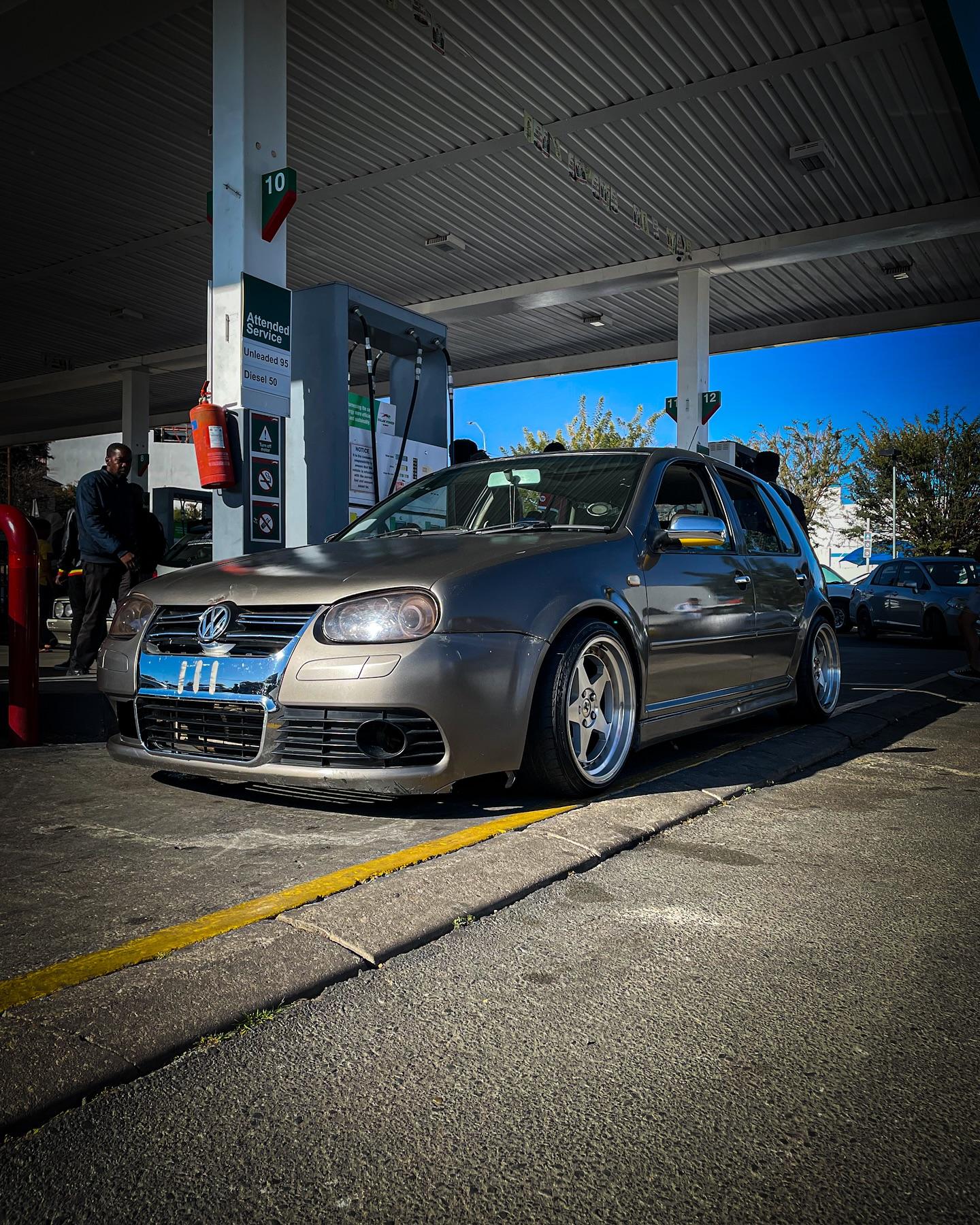
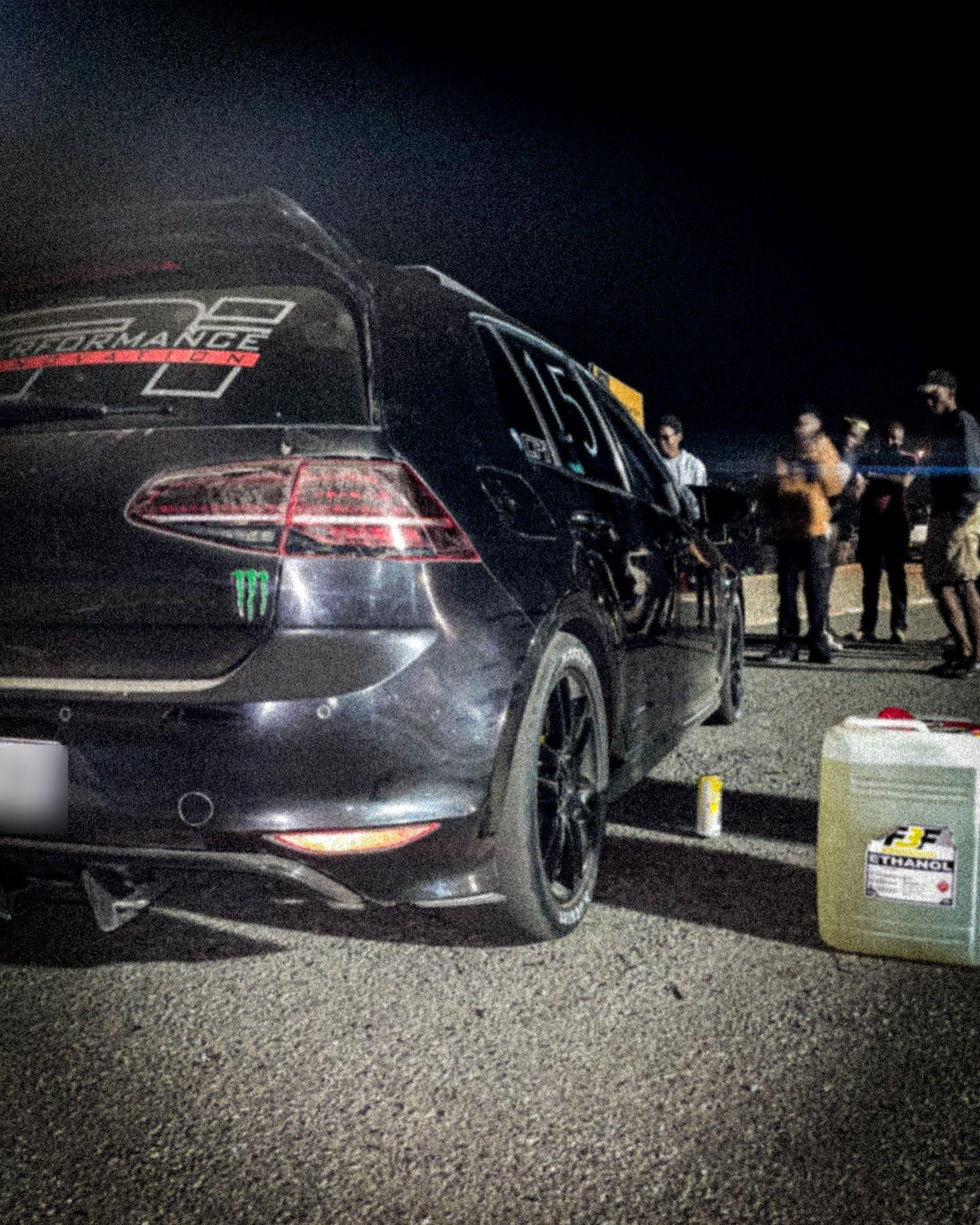
I’ve loved cars since I was a kid. Pops & Bangs is where I get to do something with that: spend time around interesting cars, film them properly, talk about what makes them worth a closer look, and take photographs I want to keep coming back to.


I started Pops & Bangs back in 2021 with a few friends from high school. Today it’s just me, so I handle every part of it: presenting, filming, editing and photography. Some cars call for a longer review; others are better captured in a short clip. Either way, I want to give each one more than a quick glance.
Why cars
Cars have never felt like just a way to get somewhere.
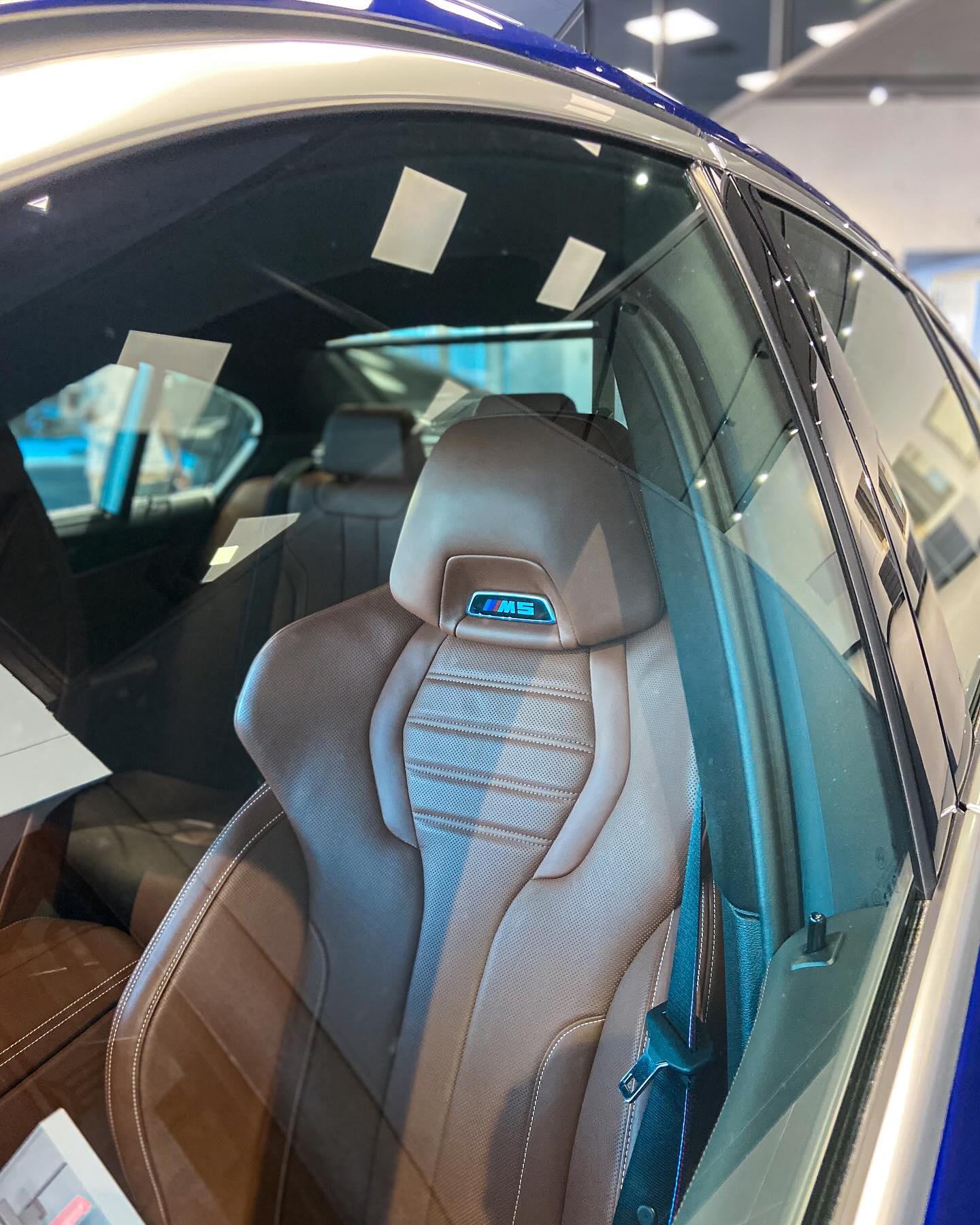
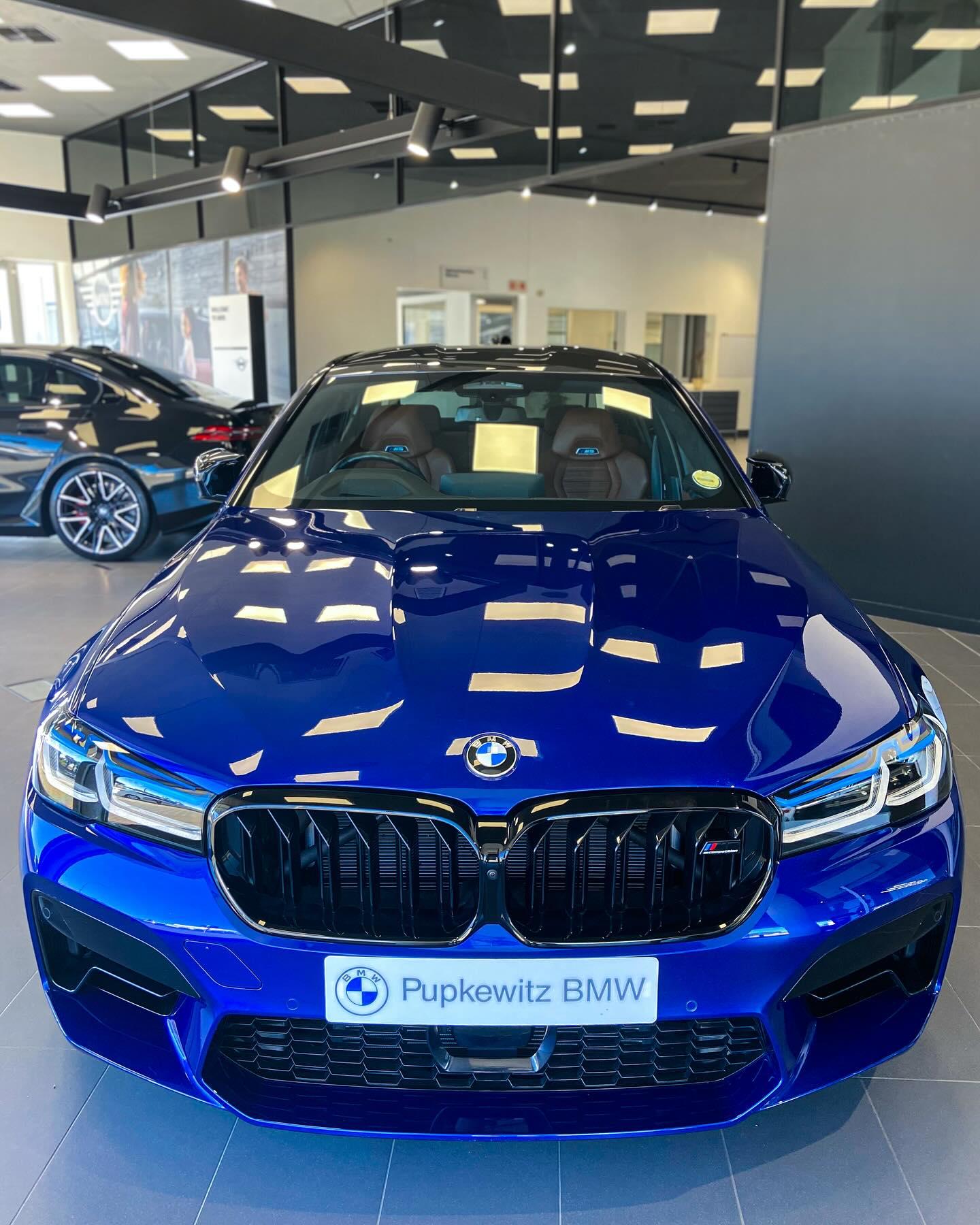
I grew up watching Top Gear and Jeremy Clarkson, and that interest stuck. I pay attention to the details: the shape of a car, the way it sits, the decisions behind a build, the sound, and how it feels when you see it in person. I enjoy learning the story behind a car as much as getting the shot.
What I make
Walkarounds
A closer look around the outside, inside, and at the features worth talking about.
Longer reviews
More time with the cars that deserve a proper look and a considered review.
Short videos
Vertical clips made for Instagram, TikTok and YouTube Shorts.
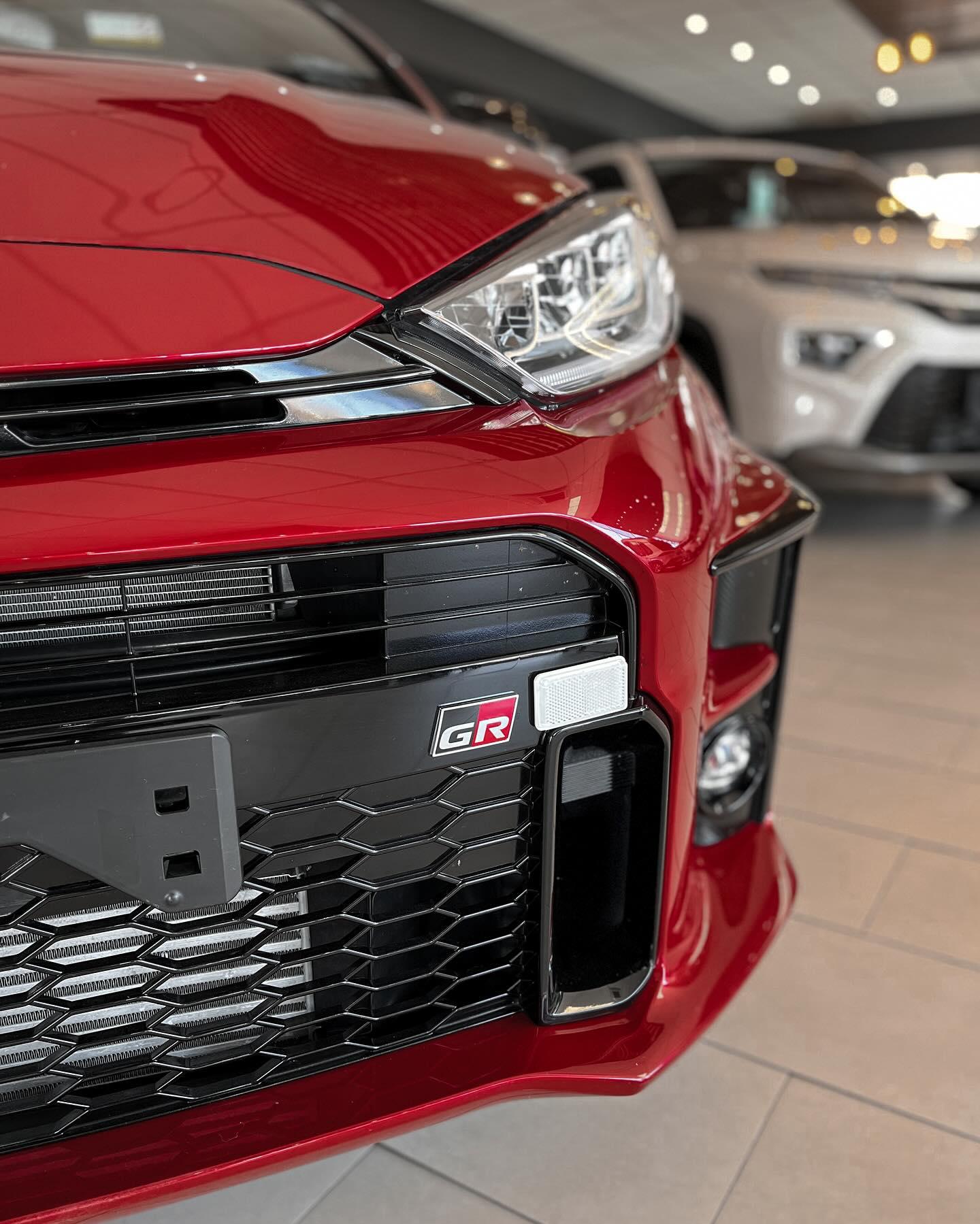
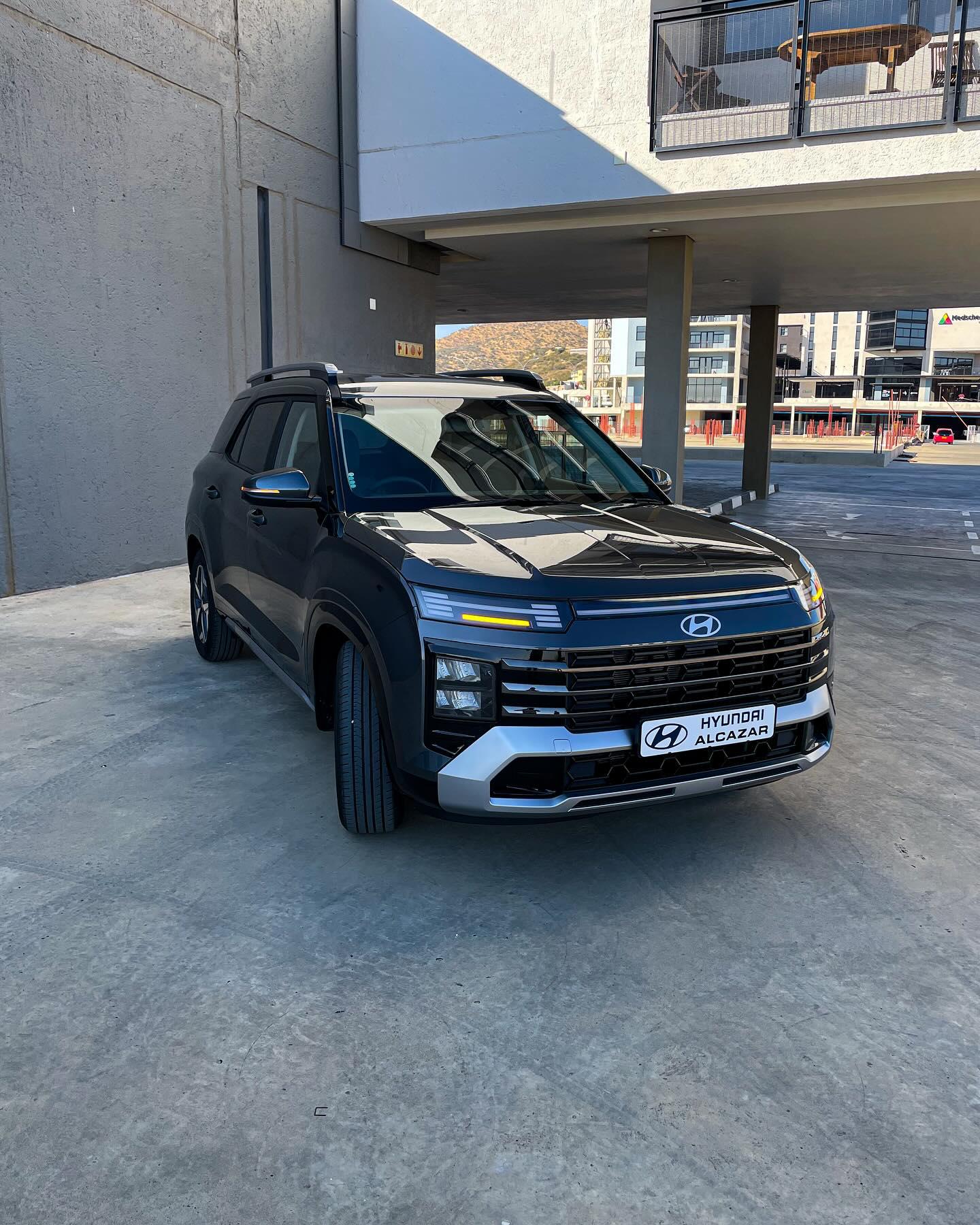
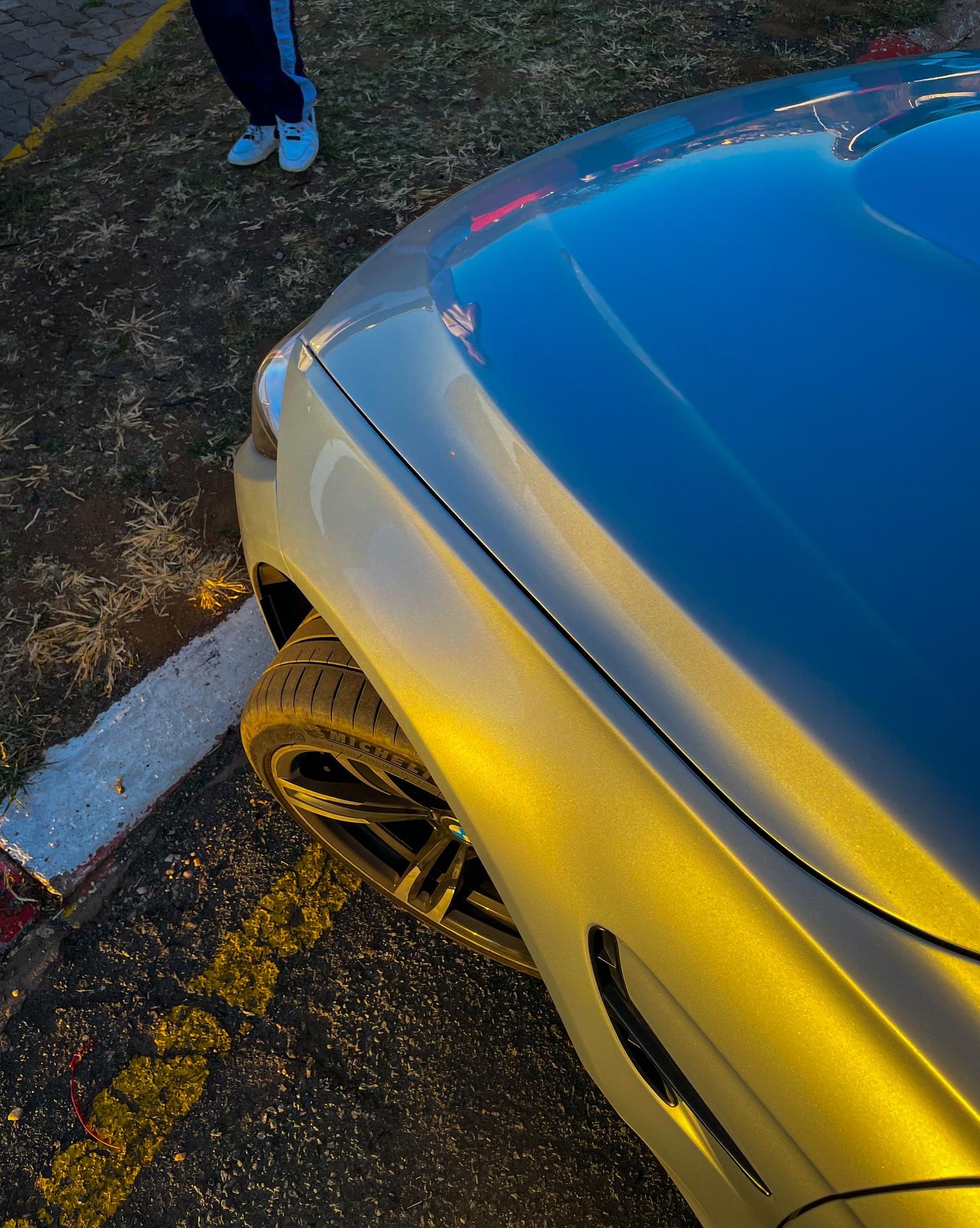
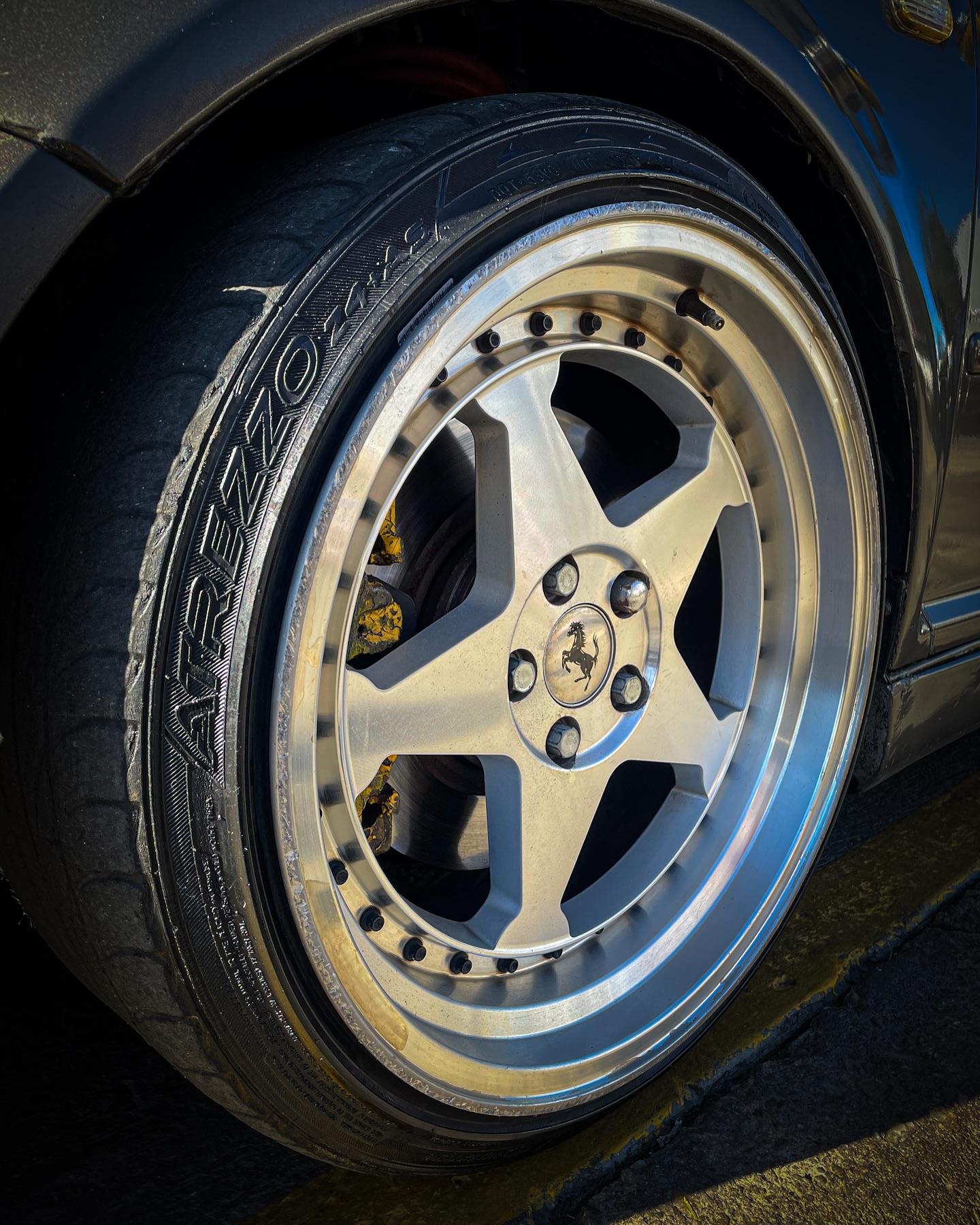
Photography
Still photographs of the cars and the details that catch my eye.
Making the videos
I was spending too much time editing, so I built a tool to help.
A review can mean dozens of minutes of footage for a final video that’s much shorter. Sorting clips, finding the useful takes and assembling a first cut by hand takes time away from the parts I enjoy most: shaping the story, choosing the music, and getting the pacing and colour right.
So I built my own editing tool. I can drop in a folder straight from the camera and get a first cut back that I can open in DaVinci Resolve. It sorts and names clips, transcribes the audio, finds scenes, helps remove weak takes, arranges a story, and prepares chapters, subtitles, title ideas and thumbnail suggestions.
- Sorts and names clips
- Transcribes speech
- Finds scenes and helps identify weaker takes
- Arranges a first-cut sequence
- Prepares a timeline for DaVinci Resolve
- Drafts chapters and subtitles
- Suggests titles and thumbnails
- Creates vertical edits timed to a track
The tool runs on my own machine, with no monthly service bill. It has already helped with the first two reviews I’ve made using it. It doesn’t replace my editing; it gives me a better place to start.
Follow along
I share new work as I film it.
Next project
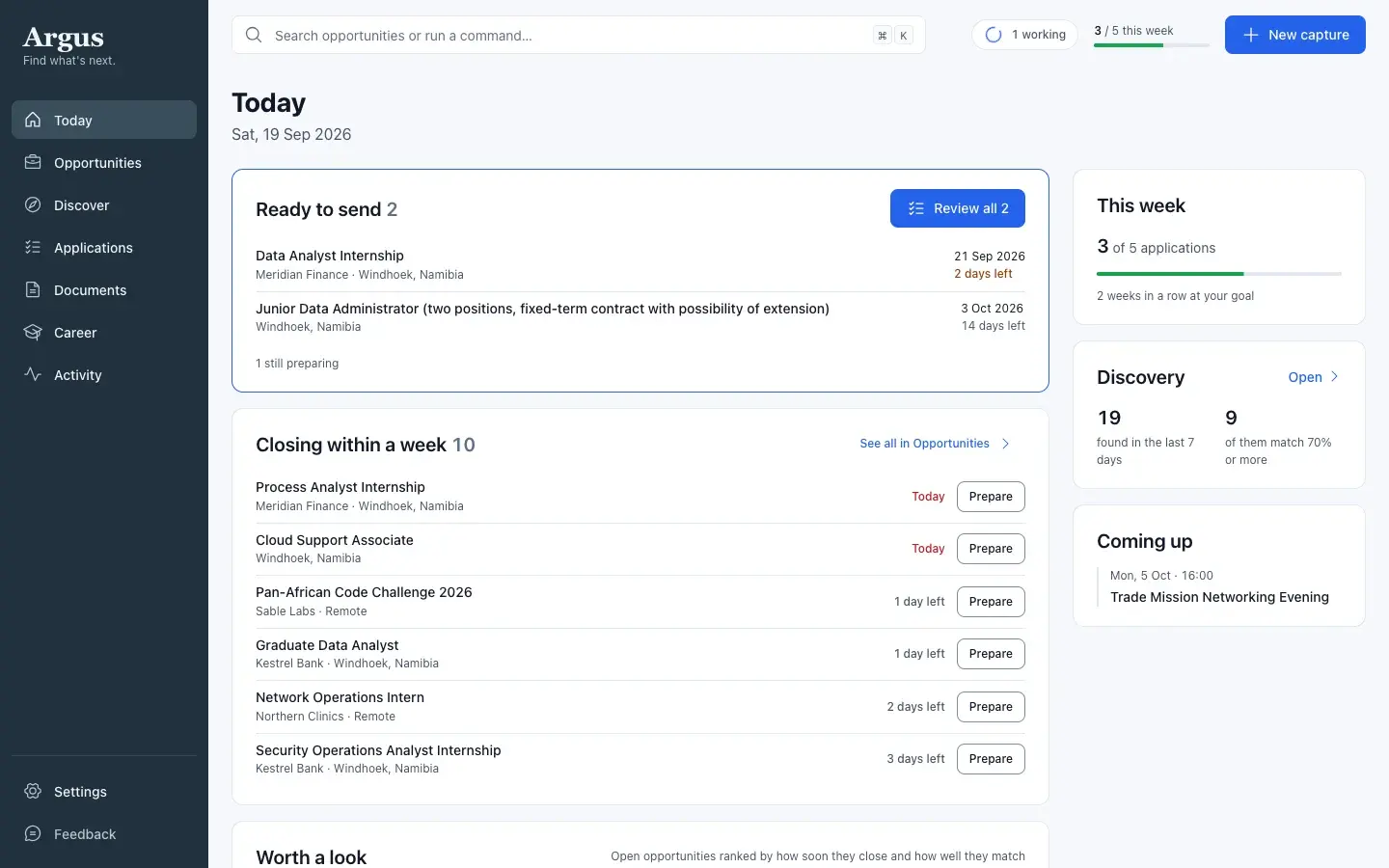
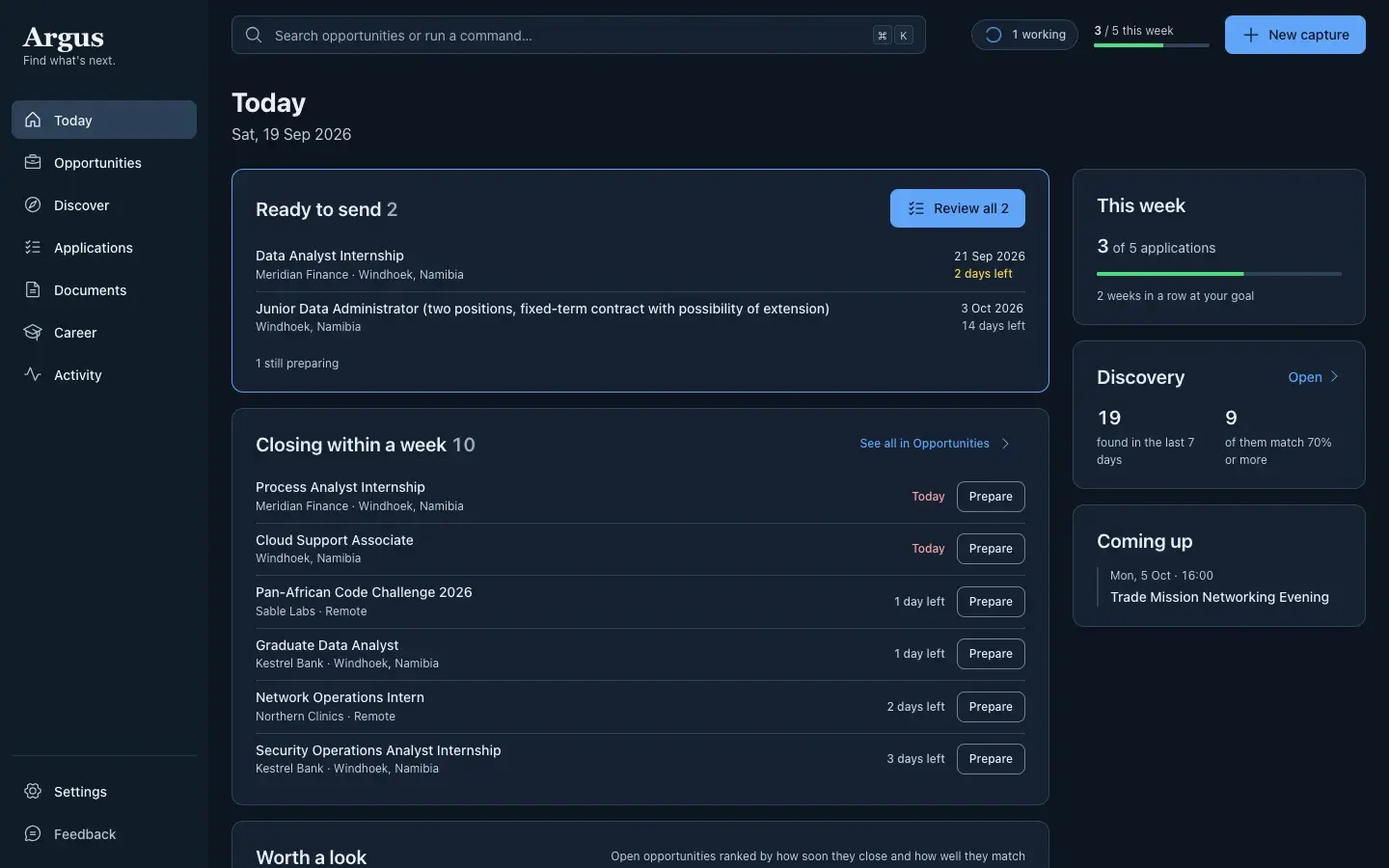
Argus
A desktop app I built to keep track of opportunities, deadlines and applications.
Read the Argus case study